Organisations
The Settings → Organisation tab shows your organisation's details and the users who hold organisation-wide permissions.
Organisations
Your organisation groups together your projects, feeds, users, and billing in Buildcam. The Settings → Organisation tab is where you review your organisation's details and see which users hold organisation-wide permissions.
Where to find it
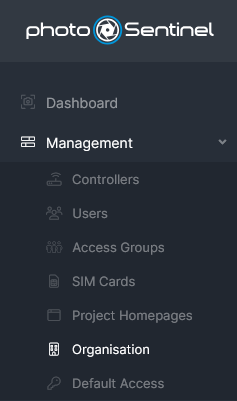
In Buildcam, open Settings from the navigation. The Organisation tab is the first tab.
Organisation Details
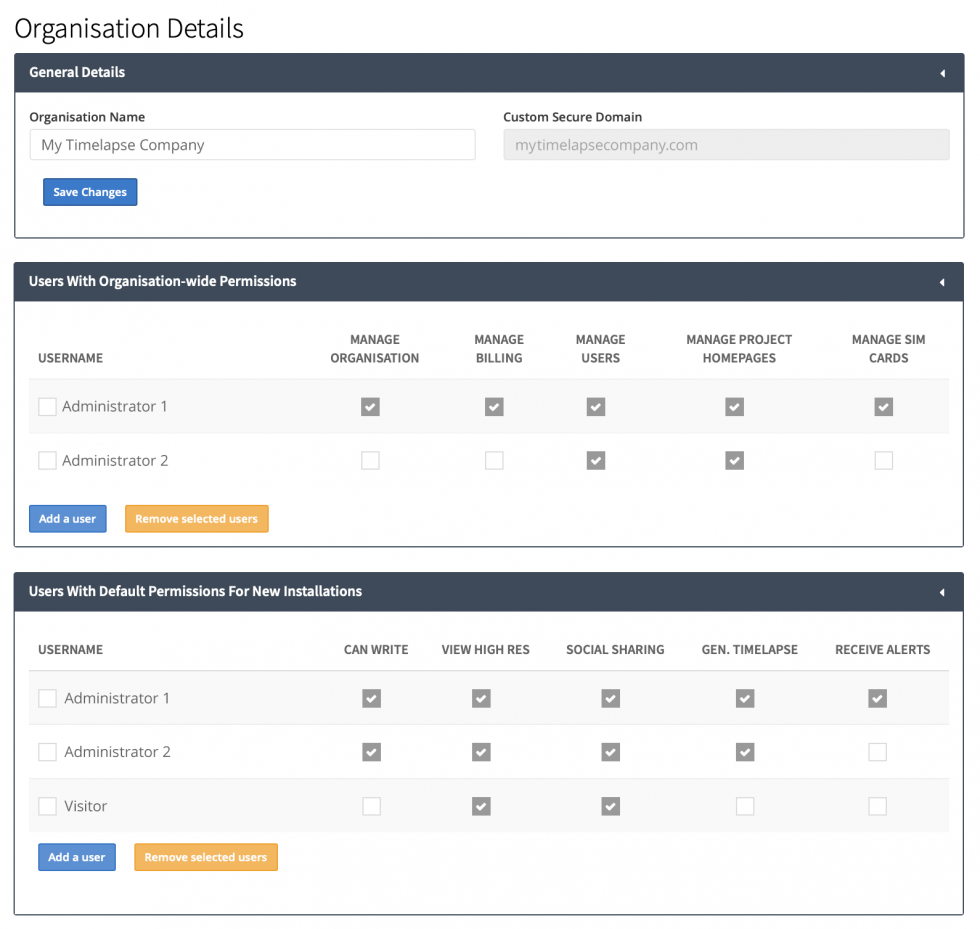
The Organisation Details card shows your Organisation Name and your Custom Secure Domain (if one has been set up). These are read-only — to change your organisation's name, contact Support.
Users With Organisation-Wide Permissions
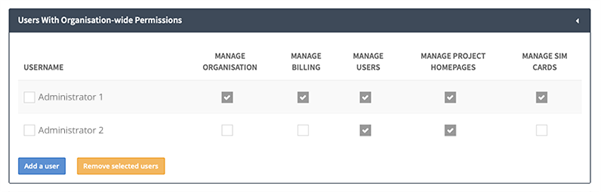
This table lists each user who holds one or more organisation-wide permissions, with a column per permission. Use the search box to find a user by name.
- Manage Organisation — open the Organisation tab and grant organisation-wide permissions to other users (and themselves).
- Manage Billing — change settings that affect billing, such as plans.
- Manage Users — see, create, and modify other users in the organisation.
- Manage Project Homepages — see, create, and modify Project Homepages.
- Manage SIM Cards — add and modify SIM cards in the organisation.
- Manage Controllers — add and modify the controllers (feeds) in the organisation.